Basic Linux Shell Scripting for DevOps

👋 Hello, and welcome to my DevOps journey! 🚀 I am Priyanka Varshney,🛠️ As an aspiring DevOps engineer, I'm all about bridging the gap between development and operations, making software delivery seamless and efficient. 💻🔧 On this Hashnode blog, I'll be sharing my learnings, experiences and adventures as I dive deep into the world of continuous integration, automation, and cloud technologies. ☁️⚙️ Let's connect, learn, and grow as a vibrant DevOps community. Follow my Hashnode blog, and let's embrace the DevOps adventure together! 🤝🔗
#Day4 #DevOps #90daysofDevops #trainwithshubham #AWS #linuxcommands #linuxshellscripting #shellscript
Task 1:what is Shell Scripting for DevOps?
A Shell provides an interface to interact with the system. When we used an operating system, we directly interact with the shell. While using a terminal every time on any Linux distribution system, we interact with the shell.
Shell scripting is a computer program designed to be run by Linux/Unix shell which is also known as a command line interpreter(CLI).
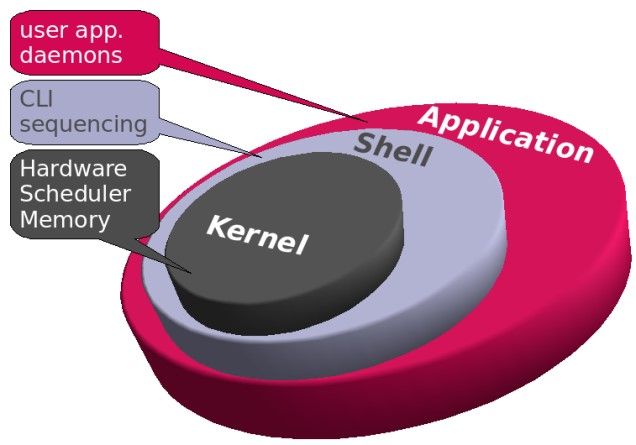
Kernal is the heart of the Linux operating system, with complete control over everything in the system.
Task 2:*What is #!/bin/bash? can we write #!/bin/sh as well?*
The shebang, #!/bin/bash (used in scripts) is used to instruct the operating system to use bash as a command interpreter.
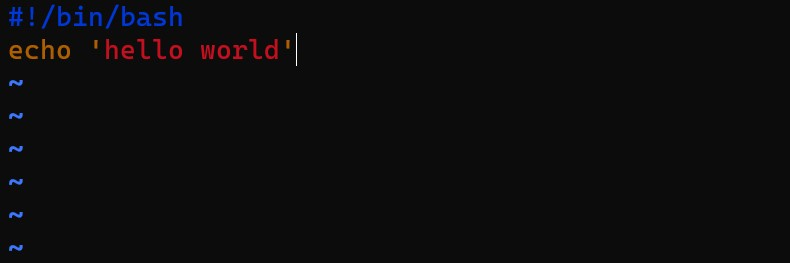
The shebang, #!/bin/sh(used in scripts) instructs the internal system shell to start interpreting scripts.
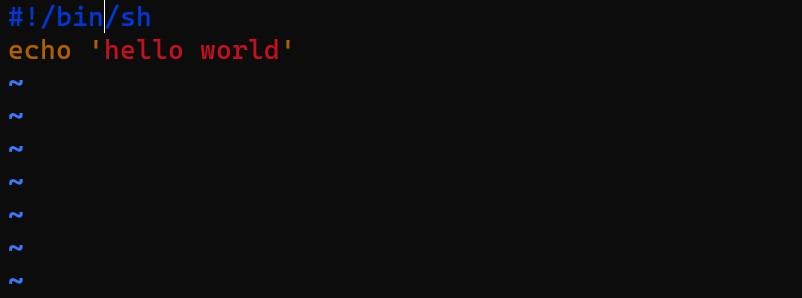
Like sh, Bash(Bourne Again Shell) is a command language processor and a shell. Bash is the subset of sh, which means that bash supports features of sh and provides more extensions on top of that. Bash shell uses the echo commands to print the message in the terminal.
Yes we can also write #!/bin/sh , both gave same output.

Task 3:*Write a Shell Script that prints* I will complete the #90DaysOofDevOps challenge

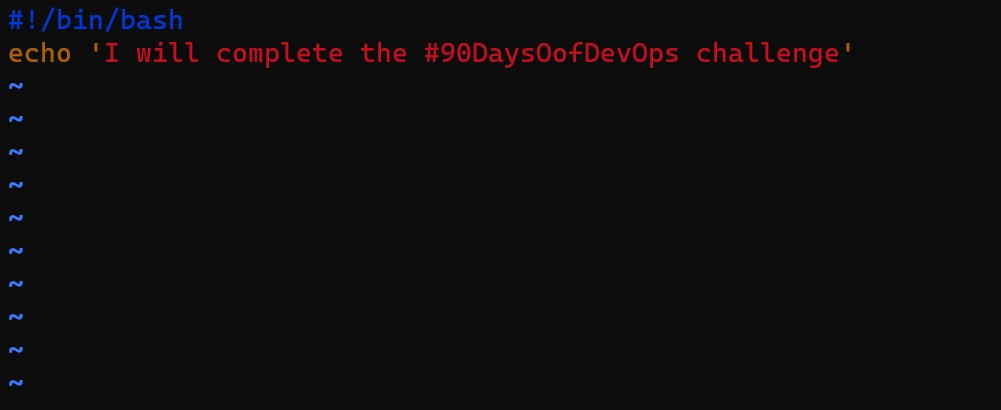
#!/bin/bash  to start the script
vim devops.sh #to create bash script
sh devops.sh #to view the content of the file
echo 'I will complete the 90daysofdevops challenge' #to print the content
Task 4:*Write a Shell Script to take user input, input from arguments and print the variables.*
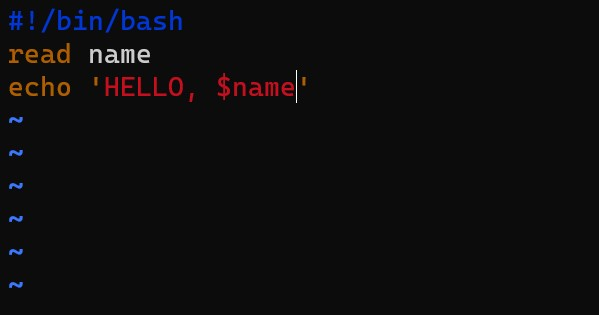
read name #to take user input
echo 'Hello, $name' #to print the argument
$name #to print user input on output console

!/bin/bash  to start the script
vim user_input.sh #to create bash script with name user_input
sh user_input.sh #to view the content of the file
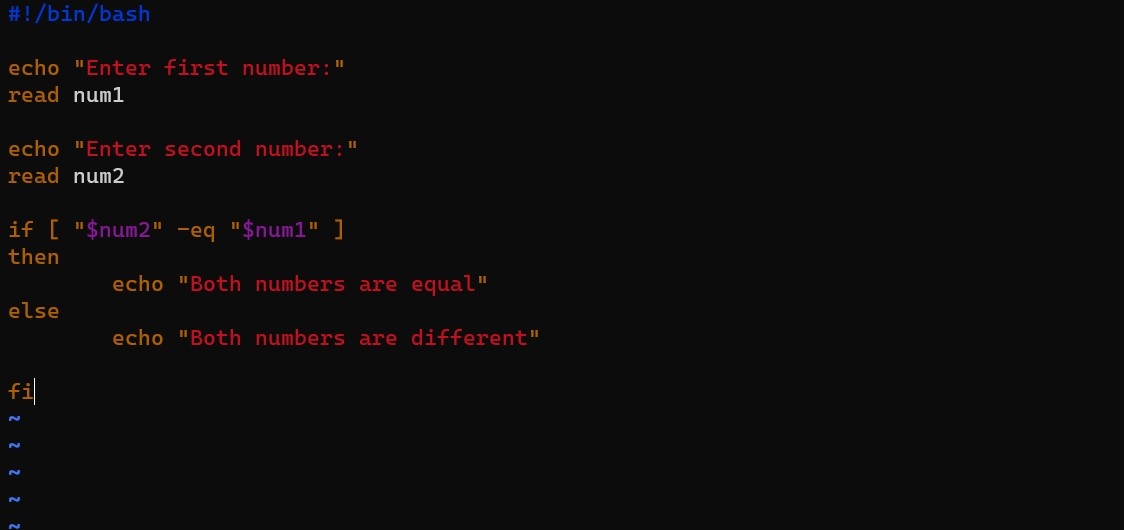
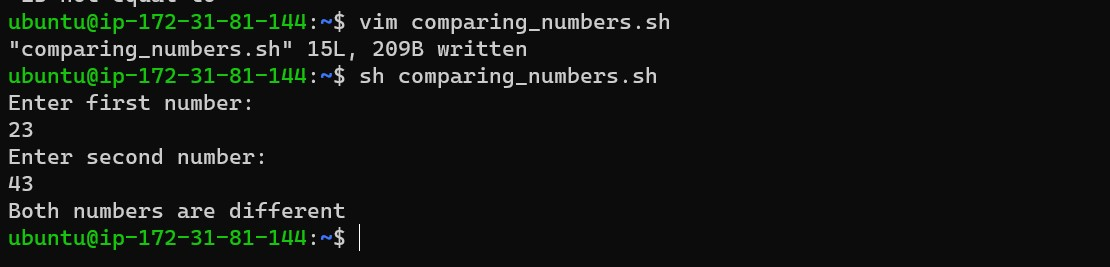
Task 5:*Write an Example of If else in Shell Scripting by comparing 2 numbers*
Thank you for reading :)
Priyanka Varshney